

Navigating Canvas: Grades K-5
This guide is a basic navigation of Canvas for kindergarten through fifth grades.
After you have logged in, click on the Canvas icon and then click on your teacher's name. This is how you get to your classroom page. You can see your class is organized by day: Monday, Tuesday, Wednesday, Thursday, and Friday. Each day has a different agenda.
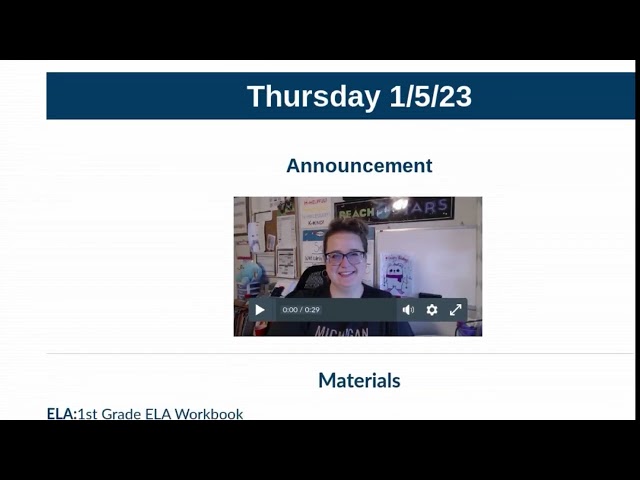
Let's click on Thursday. At the top of the page will be the announcements specific to your class on this day. Your teacher's major announcements will appear here. Here's an example of one teacher's announcements for holiday break.
If we scroll past the announcements, we can see our agenda for the day. At the top of the agenda is our first class of the day. It is Moral Focus from 8:00 to 8:15. To join the Moral Focus meeting, click on the Meet Now button and you will be brought to your class's Google Meet.
Next is reading from 8:15 to 10:30. This teacher has three rotations of reading. In the first rotation, Group A is with the teacher, and students will click here to join the meet. Group B is with the online learning mentor, or OLM, and they will click here to join their group. Group C is asynchronous, meaning they will complete their work independently. Here the asynchronous work is in Lexia, Canvas assignments, and Raz-Kids.
Let's say it's 2:10 and you just finished your snack break. What class will you go to next, and where do you click to join them? If you said science meeting and wanted to click on the Meet Now button, you would be correct.
All right, it's the end of the day and you would like to see what's coming up tomorrow. We'll click on the home button to bring us back to our homepage.